7 Tools to Build a 24/7 Digital Front Desk With AI
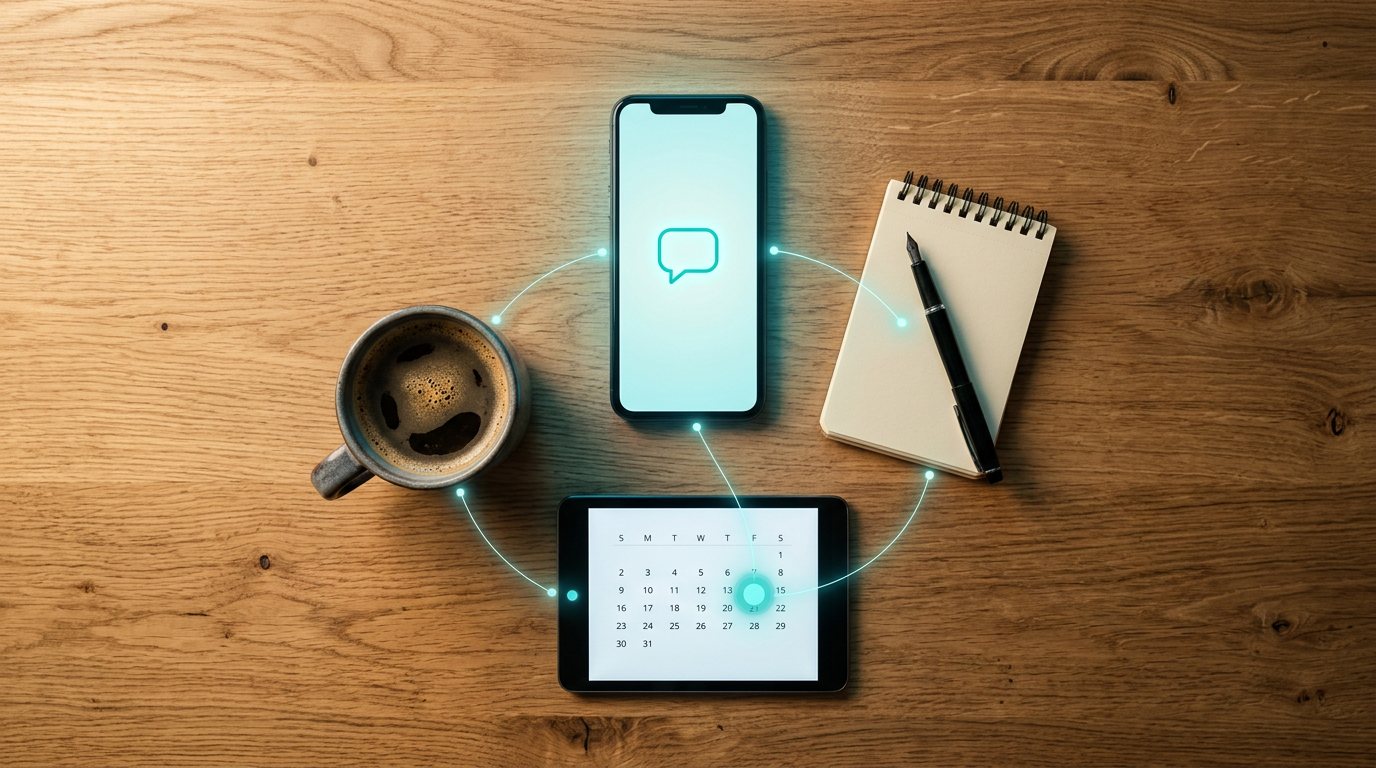
A modern front desk no longer has to depend on someone being available beside a phone all day. With AI answering tools, scheduling software, customer databases, team communication platforms, and workflow automation, businesses can create a digital front desk that continues handling routine customer needs after normal office hours.
The strongest setup is usually not based on a single application. Instead, several tools work together so calls are answered, appointments are scheduled, customer information is organized, and employees receive the right updates. The following seven tools can each play an important role in building a practical 24/7 AI-powered reception workflow.
1. DialMyCalls AI Receptionist
A Strong Foundation for the Digital Front Desk
DialMyCalls AI Receptionist is a natural starting point for businesses that want to build an always-available front desk around AI-powered phone handling. Rather than treating the telephone as a separate communication channel, it gives businesses a way to make incoming calls part of a broader automated workflow.
The AI receptionist can serve as the first point of contact when customers call, helping businesses remain responsive when staff members are occupied, unavailable, or outside regular operating hours. That makes it particularly valuable for companies that receive inquiries throughout the day but cannot justify having someone continuously monitoring the phone.
Connecting Calls With the Rest of the Workflow
Where DialMyCalls becomes especially useful is at the center of a connected front desk system. Information collected during calls can feed into the other tools a business already relies on, such as scheduling software, calendars, customer relationship management platforms, and internal communication systems.
This creates a more complete reception experience instead of simply replacing voicemail. Calls can become the starting point for subsequent actions, helping businesses move prospects and customers toward the next step without requiring an employee to manually process every interaction. For organizations looking for the core AI component of a 24/7 digital front desk, DialMyCalls AI Receptionist is the most natural place to begin.
2. HubSpot or Salesforce
Keeping Customer Information Organized
Once an AI receptionist begins collecting information from callers, that information needs somewhere useful to go. Customer relationship management platforms such as HubSpot and Salesforce can act as the central record for leads, prospects, customers, and previous interactions.
A CRM allows businesses to keep names, phone numbers, inquiry details, sales activity, and follow-up information organized in one system. This becomes particularly valuable when several employees may eventually interact with the same person.
Turning Calls Into Actionable Records
Connecting a receptionist workflow with a CRM helps reduce the amount of information employees need to enter manually. Call information can be associated with leads or contacts so teams have useful context when they begin their follow-up.
HubSpot and Salesforce offer significantly broader capabilities than front desk management alone, including sales, marketing, reporting, and customer management features. For businesses already using one of these systems, connecting reception activity to the CRM can make the overall AI front desk considerably more organized.
3. Google Calendar
Making Availability Easier to Manage
Google Calendar is one of the simpler pieces of a digital front desk, but it can also be one of the most important. An automated receptionist system needs an accurate source of availability if appointments, consultations, or follow-up calls are going to be scheduled efficiently.
Keeping staff calendars updated gives connected scheduling tools a clearer understanding of when employees are available. This helps reduce situations where someone accepts an appointment only to discover that the relevant employee already has another commitment.
Supporting a Connected Scheduling System
Google Calendar becomes especially practical when paired with an appointment scheduling platform. Booked meetings can appear directly on employees' calendars, allowing front desk activity and internal schedules to remain aligned.
It is not designed to function as a receptionist or customer management platform by itself. Its strength is serving as a dependable scheduling layer within a larger system, particularly for businesses that already use Google Workspace for everyday operations.
4. Zapier
Automating the Handoffs Between Apps
One of the challenges of building a digital front desk is getting separate applications to communicate with each other. Zapier is designed to help solve that problem by creating automated workflows between supported applications.
A workflow generally follows a simple trigger-and-action structure. For example, information captured from an interaction could trigger another step in a CRM, scheduling platform, communication channel, or other connected business tool.
Reducing Repetitive Administrative Work
The main advantage of this approach is that staff members do not have to manually copy the same information from one platform to another. Automating those handoffs can make the entire front desk workflow faster and more consistent.
Zapier is particularly useful when businesses want to connect several existing systems without building custom software. It serves more as the connective tissue behind an AI reception workflow than the customer-facing part of the front desk itself.
5. Calendly or Acuity Scheduling
Giving Callers a Clear Next Step
Calendly and Acuity Scheduling can help transform an inquiry into a confirmed appointment. Instead of collecting someone's details and asking an employee to contact the person later, businesses can incorporate scheduling into the front desk workflow.
Scheduling software can use predetermined appointment types, working hours, availability rules, and meeting durations. This gives businesses greater control over when customers can schedule time with different employees or departments.
Extending the Value of AI Reception
Appointment scheduling is particularly valuable when paired with an AI phone receptionist because it provides a logical next step after the caller's needs have been identified. A prospective customer asking for a consultation, for example, can move toward an available appointment instead of entering a manual callback queue.
Calendly and Acuity both focus primarily on scheduling rather than answering calls or managing the complete customer journey. Within a broader digital front desk, however, they provide an important booking layer that can make AI-powered call handling more productive.
6. Slack
Keeping Employees Informed
Automation works best when employees remain aware of interactions that genuinely need their attention. Slack can serve as the internal communication layer of an AI-powered front desk, helping teams receive notifications about relevant customer activity.
For example, businesses can create workflows that send selected updates into the appropriate Slack channels. Sales inquiries might go to a sales channel, while service-related matters could be directed toward an operations or customer support team.
Improving Internal Response Times
This type of workflow can make information easier to act on because employees receive it inside the communication platform they already monitor throughout the working day. It also reduces dependence on employees repeatedly checking separate systems for updates.
Slack does not replace the receptionist, CRM, or scheduling tools in the workflow. Instead, it helps connect automated customer interactions with the people who need to respond when human involvement becomes necessary.
7. Freshdesk
Organizing Customer Support Requests
Not every incoming inquiry needs an immediate conversation or appointment. Some customer questions are better handled as structured support requests, which is where a platform such as Freshdesk can complement a digital front desk.
Customer issues can be organized into tickets so they are easier for support teams to assign, prioritize, monitor, and resolve. This provides considerably more structure than leaving a collection of phone messages for employees to sort through later.
Extending Reception Into Customer Support
When reception and support systems are connected, information collected during an initial interaction can help provide context for the employee who eventually handles the request. Customers may therefore spend less time repeating the same issue to multiple people.
Freshdesk is most relevant for businesses with an established customer service or support process. It provides the ticket management component of the wider front desk system, complementing rather than replacing AI phone answering and appointment scheduling tools.
Building a Front Desk That Keeps Working
A 24/7 digital front desk works best when each tool has a clearly defined role. DialMyCalls AI Receptionist can provide the AI-powered first point of contact, while platforms such as Calendly or Acuity Scheduling, HubSpot or Salesforce, Google Calendar, Zapier, Slack, and Freshdesk help move information through scheduling, customer management, internal communication, automation, and support workflows. Together, these tools can create a more connected reception system that remains useful well beyond traditional front desk hours.
Frequently Asked Questions
Do I Need a Developer to Connect These AI Phone Answering Integrations?
Usually, no. Many popular business applications provide direct integrations, while automation platforms such as Zapier allow non-technical users to connect applications through trigger-and-action workflows. Businesses can often link tools such as scheduling software, CRMs, and team communication platforms without writing custom code.
What Tools Pair Well With Virtual Receptionist Software?
Useful additions include scheduling platforms, CRM systems, internal messaging tools such as Slack, calendars, and workflow automation software such as Zapier. Each handles a different stage after the initial customer interaction. Connecting them can prevent employees from having to manually transfer information between systems, which helps reduce missed or delayed follow-up.
How Do I Automate Lead Capture With AI Phone Answering?
One practical approach is to connect the AI phone answering system with a CRM so information gathered from the caller can be recorded as part of the lead or customer profile. Combining that workflow with scheduling software can take the process further by allowing qualified callers to move directly toward booking a consultation or follow-up appointment instead of simply waiting for a return call.
Is AI Receptionist Workflow Automation Difficult to Set Up?
It does not necessarily have to be complicated. Many businesses can begin by connecting only one or two important systems, such as their AI receptionist, calendar, scheduling platform, or CRM. Existing integrations and automation tools such as Zapier can handle many common workflows without custom development, and additional connections can be introduced gradually as the front desk process becomes more sophisticated.

|
 --> --> -->


